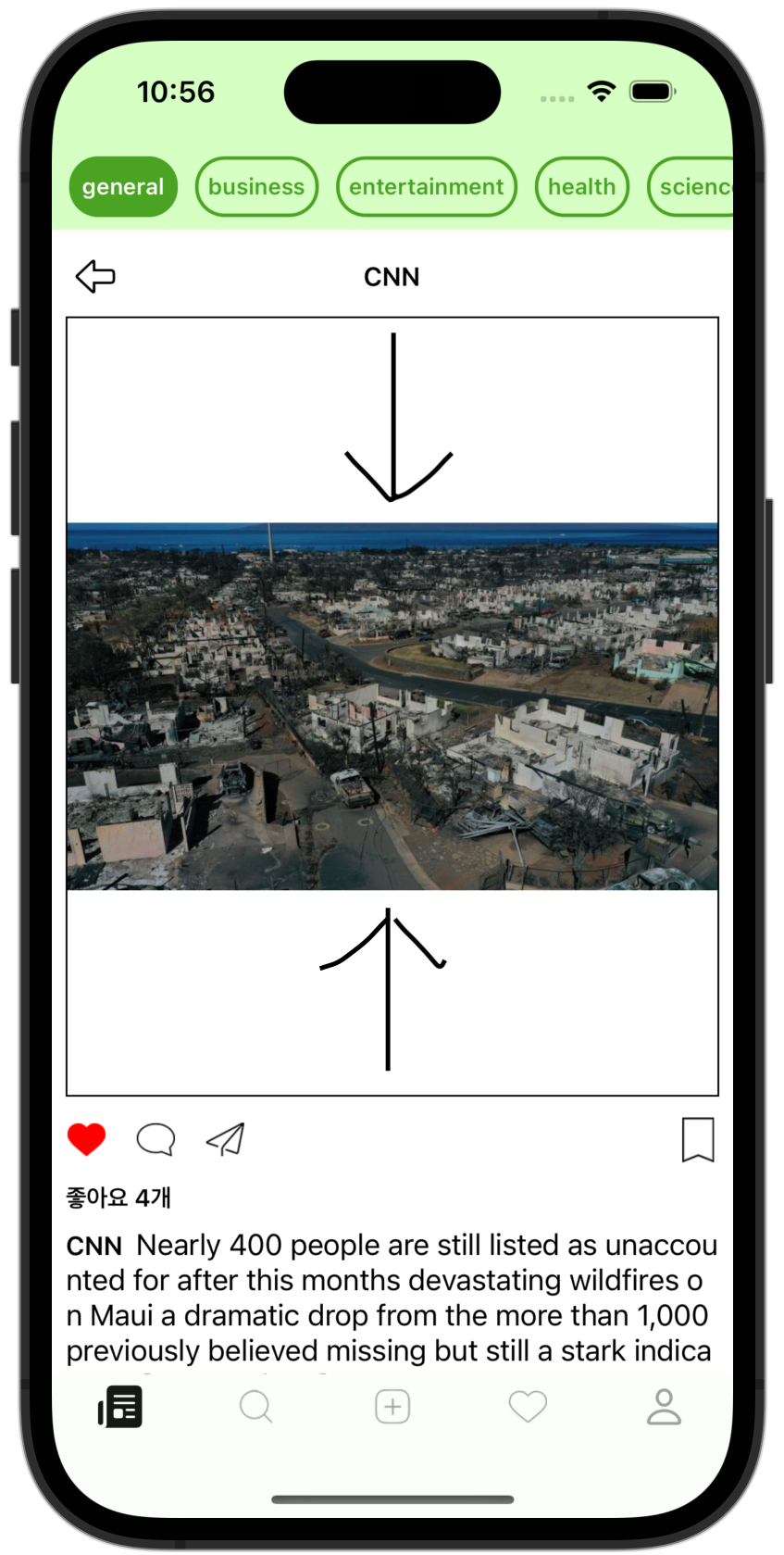
The problem:
I set scaleToFit on a UIImageView and pinned its width to the screen view with constraints,
but the UIImageView's height doesn't shrink to match the UIImage stored in it, so there's leftover empty space.
The fix:
There doesn't seem to be a built-in feature that removes that empty space yet.
You have to calculate the image's ratio yourself, pin the width to the value you want, and set the height to the resulting value.
(Of course, you can also pin the height and derive the width.)
In other words,
(1) get the UIImage's ratio,
(2) derive the height to set from that ratio,
(3) and put it into the AutoLayout heightconstraint. That solves it.
(1) Store the image's ratio. ( ratio = width ÷ height ) (you can divide the other way too..)
Store the ratio of the UIImageView's image (the image that will be stored in the UIImageView) in the ratio variable.
let ratio: CGFloat = image.size.width / image.size.height
(2) Derive the height from the UIImageView's width and the ratio
If you think again about the situation where we add the UIImageView,
what we want is that when we set the width we want, the height gets set to match the original image size.
So we know the width and the ratio.
I'll set the width to 100.
imageView.snp.makeConstraints { make in
    make.width.equalTo(100)
}
Since ratio = width / height,
-> height = width / ratio.
Add the formula as-is to the constraints.
imageView.snp.makeConstraints { make in
    make.height.equalTo(imageView.snp.width).dividedBy(ratio)
}
Solved!